Your first screen is free. No card needed.
Control any screen from the one in your pocket.
On the screen, open player.shasha.studio or install ShaSha Player on Android. Then link it and publish content from your iPhone.

Hospitality with every order

The new oud collection

Iced latte this afternoon
player.shasha.studio
Open the ShaSha app and scan
Open the player
On the screen, open ShaSha Player in the browser at player.shasha.studio, or in the Android app. A six-character code appears.
Link the screen
In ShaSha Studio on your iPhone, scan the code or type it to pair this screen with your account.
Publish
Choose the photos and video. After you publish, the screen shows them.
Even an iPad becomes a screen
A TV, a tablet, an iPad, or a computer monitor. It runs in the browser, or in the ShaSha Player app on Android.

For any kind of shop
Menus, offers, services, and announcements, all updated from your iPhone.
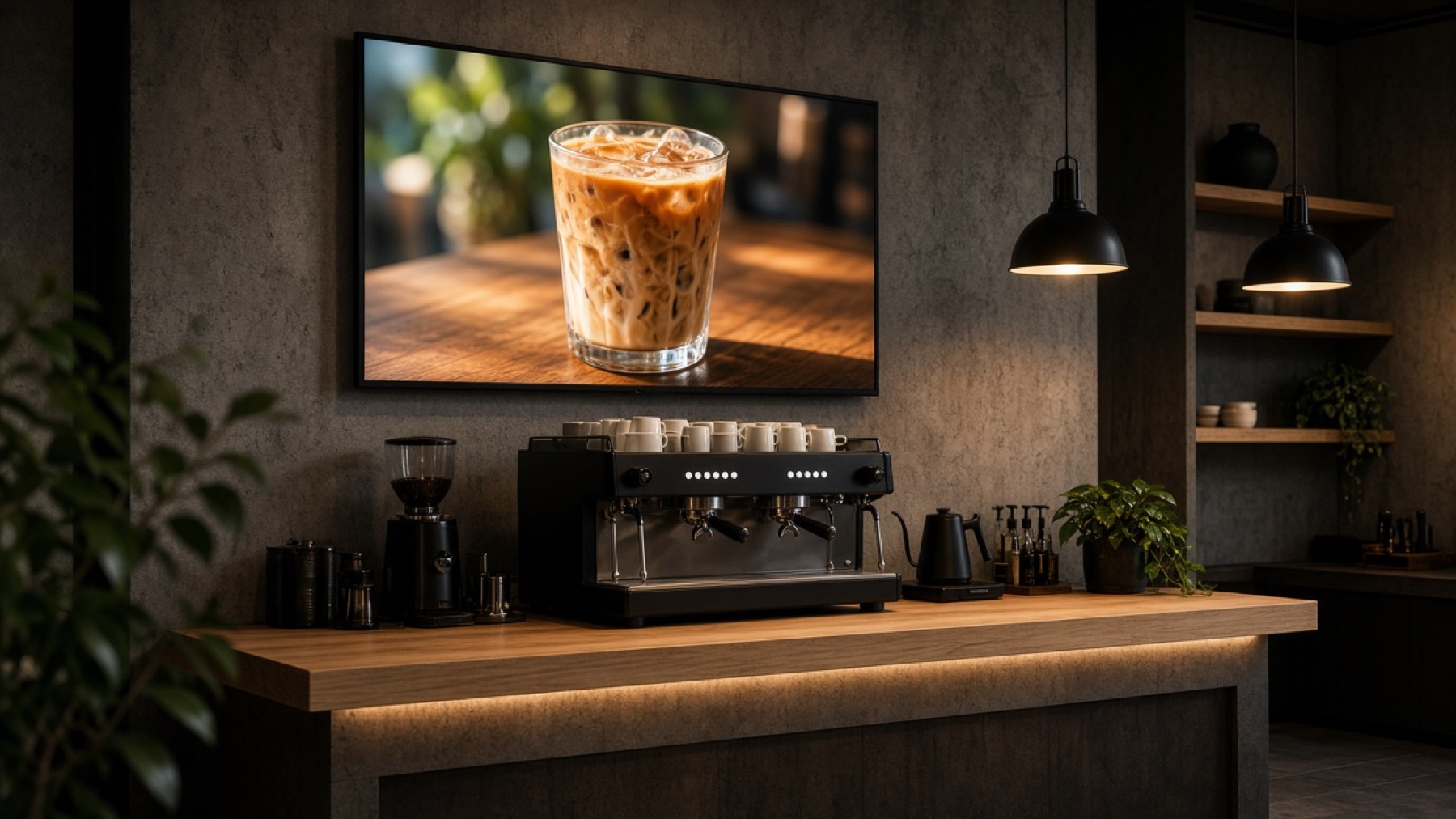
Cafe
The menu and today's offer
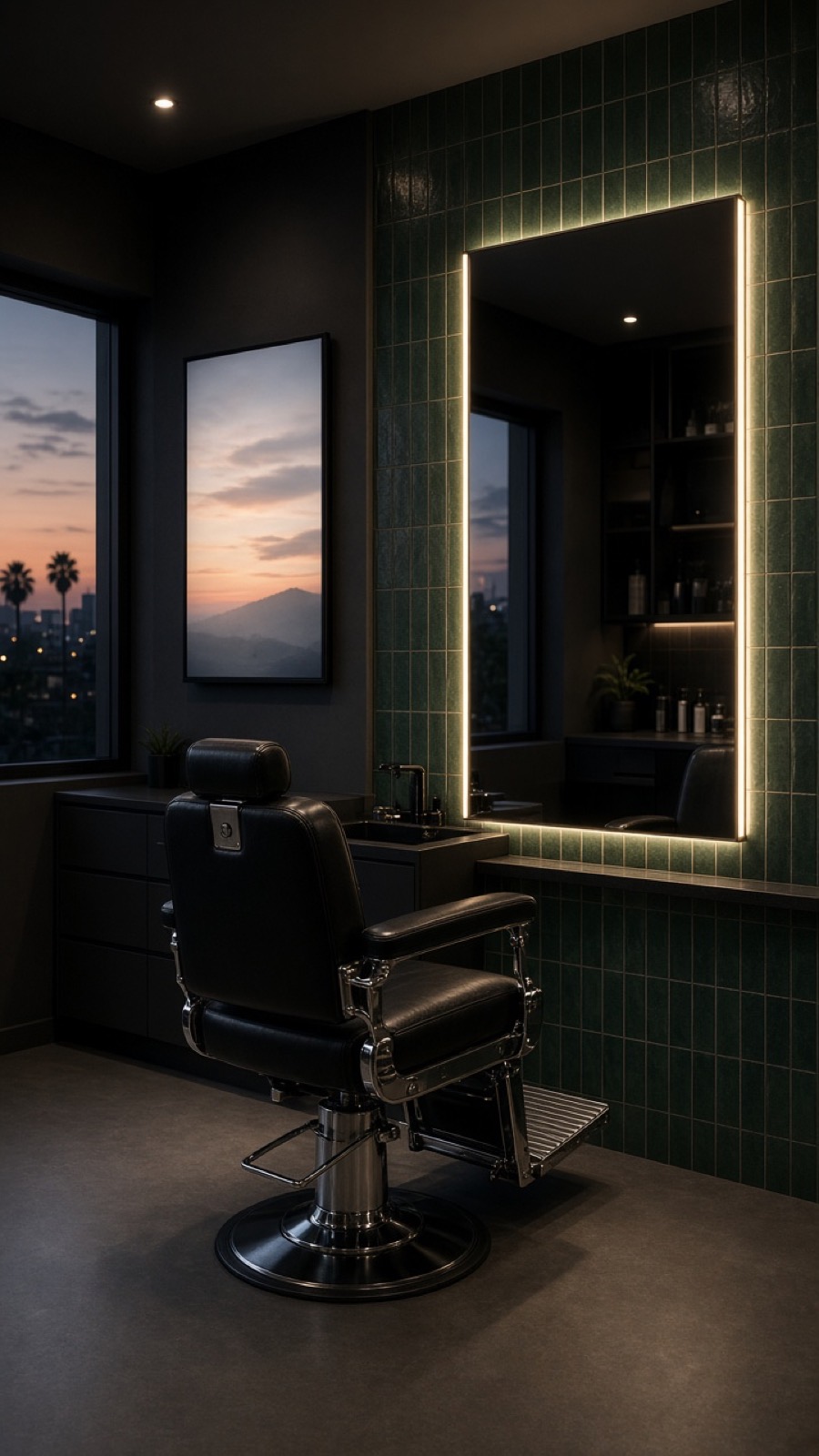
Salon
Services and prices
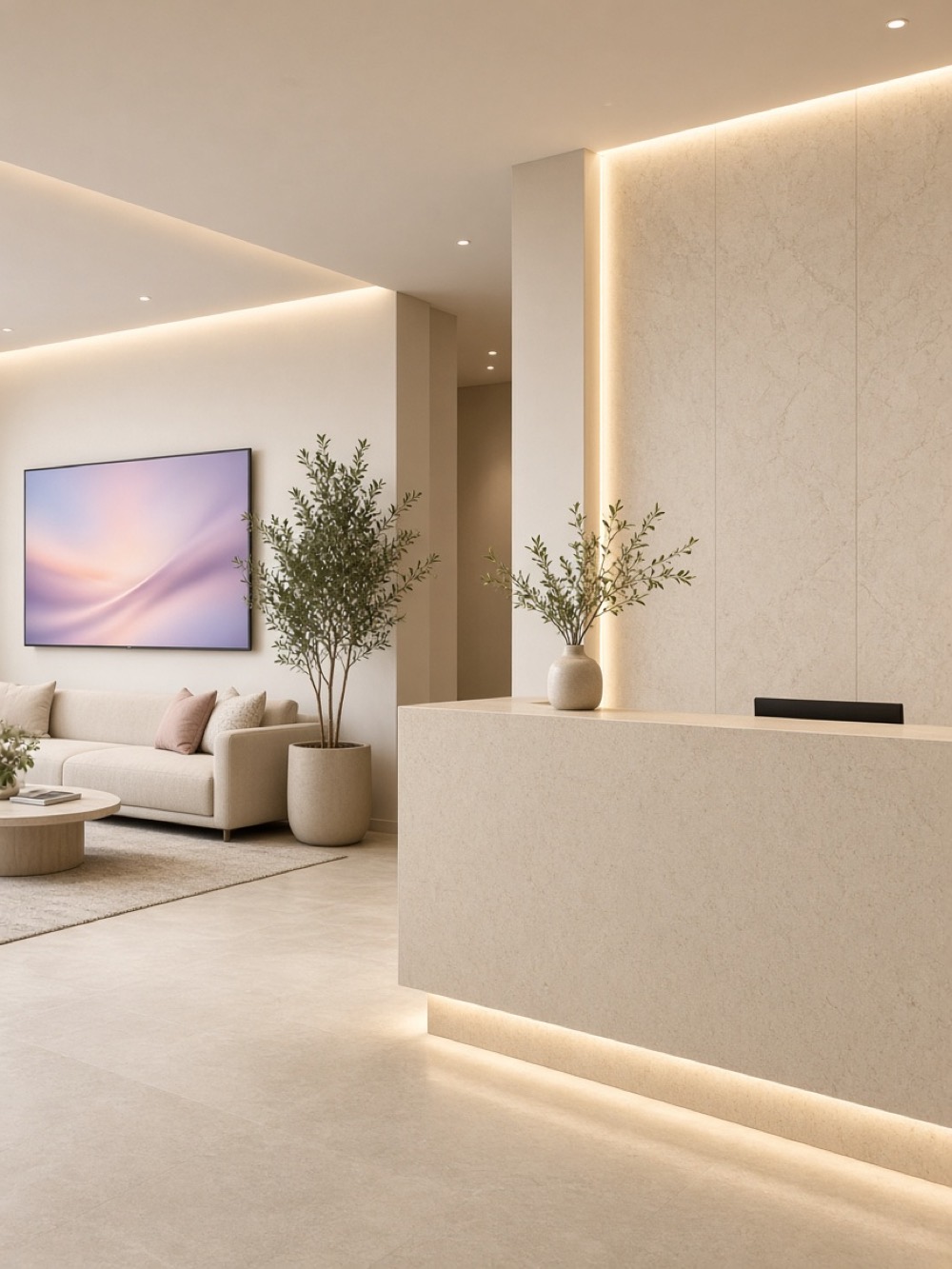
Clinic
Notices for patients

Sweets and bakeries
New products as they arrive
Useful details
- If the internet drops
- The screen keeps showing the last content it downloaded, then updates when the network is back.
- If you replace the screen
- The name, content, and schedule stay. You only link the new screen.
- Staff
- Send a one-time invite link. They use the same plan.
- Subscription
- You subscribe in the iPhone app through Apple, and you cancel there.
Plans
Your first screen is free. Three paid sizes when you add more. The price is shown in the app.
Basic
3 screens
Pro
10 screens
Max
25 screens
Questions
Does the screen need an account?
No. You sign in only in ShaSha Studio on your iPhone. The player has no login.
What if the Wi-Fi drops?
The screen keeps the last content, then updates when the network is back.
Where do I pay?
In the iPhone app, through Apple. The price is shown there.
Can I add an employee?
Yes. Send a one-time invite link.
What if I stop paying?
The workspace moves to the free plan. Your screens keep playing, and extra screens become view only until you renew.
Open the player on the screen.
Then link it from ShaSha Studio.